OpenClaw Maintenance: What It Takes and What You Can Skip
2026-11-18

OpenClaw maintenance comes down to five recurring jobs: keeping the software updated, backing up the whole state (not just one file), controlling storage and permissions, checking Gateway health, and acting on problems before they pile up. Each one is small. Together they are a standing commitment, and they are the reason many people choose a managed server instead of running the host themselves. On ClawBase, managed OpenClaw hosting covers updates, daily encrypted backups and uptime on a dedicated server, so you spend your time using the agent.
This guide walks through each job, what it involves, where it goes wrong, and which parts a managed plan removes from your list. It is written for people who want an AI assistant that works every day: professionals, students, business teams and developers who would rather not become part-time sysadmins.
TL;DR
- OpenClaw maintenance has five parts: updates, backups, storage and permissions, health monitoring, and troubleshooting.
- A safe update starts with a verified backup and ends with explicit checks that the Gateway (the background service that runs your agent) came back healthy.
- A backup is only useful if it contains everything from one generation: configuration, databases, workspaces, credentials and the matching runtime.
- On ClawBase, updates are automated and encrypted backups run daily on a dedicated server with 99.9% uptime, so the routine below is handled for you.
- Plans start at $16 per month, and the entry plan has a 7-day free trial.
Table of Contents
- What "maintenance" means for an always-on AI agent
- Job 1: Updating without breaking your agent
- Job 2: Backups that actually restore
- Job 3: Storage, transcripts and permissions
- Job 4: Watching Gateway health
- Job 5: Troubleshooting the usual suspects
- What this adds up to
- Perspective
- Handing the routine to a managed server
- FAQ
- Sources
What "maintenance" means for an always-on AI agent
OpenClaw is an open-source personal AI assistant. It is not a single app you open and close. It runs as a Gateway: a long-lived process that holds your agent's memory, connects to chat platforms such as Telegram, Discord, Slack and WhatsApp, calls AI models, and stores transcripts and files on disk.
Because it never really stops, it behaves like any small server. Software ages, disks fill, credentials sit in files, and a restart after an update can fail in ways you only notice when the agent stops answering on your phone. That is the real meaning of maintenance here: not fixing a broken tool, but keeping a running service trustworthy.
A reasonable rhythm looks like this:
| Task | Typical rhythm | What it protects |
|---|---|---|
| Backup | Before every change, and daily for small installs | Memory, history, configuration |
| Update | When you choose a schedule, plus before any long gap | Security fixes and compatibility |
| Health check | After every update, and on a regular schedule | Early warning on a stopped Gateway |
| Permissions and storage review | Occasionally, and whenever the host changes | Credentials and private transcripts |
| Troubleshooting | When something looks off | Time and data |
The daily backup rhythm comes from OpenClaw's own guidance: its Backups guide describes daily full archives as reasonable for small installs and recommends a full verified archive before an update, reset, uninstall or machine move.
Job 1: Updating without breaking your agent
Updates are the task most people dread, because they are the one most likely to change something that worked yesterday. OpenClaw's Updating guide recommends the managed update command for managed Gateways: it detects how OpenClaw was installed, checks the new version while the old Gateway keeps serving, then activates the new one and verifies it.
The careful sequence, as the official documentation lays it out, is:
- Create a verified backup first. The rollback guide recommends
openclaw backup create --verify. - Inspect what you are running. Check the CLI and Gateway versions and paths, plus the Node runtime the service uses. The same guide recommends this before upgrading.
- Rehearse. Run
openclaw update --dry-runto see what would change. - Update with
openclaw update. - Verify. The Updating guide lists
openclaw --version,openclaw health,openclaw gateway status --deep --jsonandopenclaw doctor --lint --jsonas the checks that confirm the update worked.
One point deserves emphasis. The Updating guide warns that you should not assume a package downgrade reverses migrations. If an update changes how your data is stored, simply installing the older version afterward may not put things back. This is why the backup comes first and why it has to be restorable, not just present.
Automatic updates and their schedule
OpenClaw can update itself on a schedule. According to the automatic updates guide, the options are hourly (the default), daily, weekly, or a custom cron schedule, and cron times follow the Gateway host's timezone. That last detail matters: a "3 a.m." window is 3 a.m. where the server lives, not where you do.
The same guide notes that the extended-stable setting only checks for a read-only update hint at startup and every 24 hours, and never applies an update by itself. So "I turned on update checks" and "my agent updates itself" are different things, and it is worth knowing which one you have.
After a long break
The riskiest update is the one that spans many versions. If you leave an install untouched for months, record what you have (versions, paths, configuration), prepare a recovery point, and then update in one controlled pass with the verification commands above. Keep your first test small: one message, one skill, one integration. If you would rather not plan any of this, our update guide for operators shows the commands in order.
Job 2: Backups that actually restore
Backups are where good intentions fail quietly. The most common mistake is copying one file and calling it a backup.
Per the Backups guide, the default install uses SQLite: one control-plane database under the state directory (usually ~/.openclaw) and one database per configured agent, and agent database paths can be configured elsewhere. That means "the database" is several files, and some of them may not be where you expect.
There is a second trap. The rollback guide warns against copying only a live SQLite database file, because committed data may still sit in its write-ahead log (WAL), a companion file where recent changes wait before being merged. Copy the main file alone and you can lose the latest changes without any error message.

What a complete recovery point contains
The rollback and recovery guide says a complete recovery point includes:
- the matching package and runtime,
- the configuration,
- the shared and per-agent databases,
- workspaces,
- credentials,
- and retained originals,
all taken from one backup generation. Mixing a Monday database with a Friday configuration is how restores turn into puzzles.
History deserves its own mention. The secrets and storage guide says cold transcript archives in the agent's sessions/cold directory are authoritative history and should be preserved alongside raw database copies. Supported backups embed them, which is one more reason to use the built-in archive command rather than a hand-rolled file copy.
Scheduling and protecting the archives
A backup that lives on the same disk as the install fails with the install. Archives should be stored elsewhere, and because they contain credentials and private conversations, they should be encrypted. Our partner guide on encryption at rest with envelope and backup steps explains how key management and backup encryption fit together. For the OpenClaw-specific routine, see our backup playbook for operators.
Then test a restore. An untested archive is a hope, not a backup. Restoring onto a spare machine once, early, tells you whether your process is complete.
Job 3: Storage, transcripts and permissions
An agent with persistent memory accumulates transcripts, run logs and workspace files. Left alone, that grows, and it also becomes a store of sensitive material.
The secrets and storage guide treats filesystem access as the trust boundary for the SQLite transcripts and state: whoever can read the files can read the conversations. Its recommendations are concrete:
- Permissions: 700 on directories and 600 on files, so only the owning account can read them.
- Encryption: full-disk encryption on the Gateway host.
- Isolation: a dedicated operating-system account if the host is shared.
The guide also warns that transcripts and raw Gateway files may contain credentials or sensitive content. That has a practical consequence for support: when you ask someone for help, share the output of openclaw status --all rather than pasting raw logs.
A good storage habit is to look at what is growing before it becomes a problem, and to remember that cleanup should never delete the archived history you may want later. Keep retention decisions deliberate, and take a backup before you prune anything.
Job 4: Watching Gateway health
A Gateway can be running and still not be useful. OpenClaw's Health checks guide recommends these commands for diagnosis and monitoring:
openclaw status,openclaw status --allandopenclaw status --deepfor increasing levels of detail,openclaw healthfor a quick verdict,openclaw logs --followto watch events as they happen.
The Gateway runbook describes a healthy baseline as a running runtime, a successful connectivity check and the expected capability, and points to openclaw gateway status, openclaw status and openclaw logs --follow.
Monitoring from the outside
If you use an external uptime monitor, point it at GET /health. The Health checks guide says this returns live status without creating a session or making a model call. It specifically warns against using /v1/chat/completions as a health check, because those requests can create sessions and consume resources. A monitor pinging a chat endpoint every minute is an easy way to run up model usage for no reason.
Job 5: Troubleshooting the usual suspects
Most maintenance incidents fall into a few families. The Gateway runbook maps three of them clearly:
| Symptom | What it usually means |
|---|---|
| `EADDRINUSE`, or another Gateway already listening | A port conflict: something else holds the port |
| Missing local mode | A Gateway mode or configuration problem |
| Unauthorized connection errors | The client and the Gateway disagree on authentication |
Start with the status commands above, read the logs, and change one thing at a time. When a fix works, write down what it was. A short maintenance log (date, version, what changed, what you verified) turns the next incident from a mystery into a lookup. If you want a fast path, our 10-minute troubleshooting checklist and the command ladder for setup errors walk through the checks in order.
What this adds up to
None of the five jobs is hard on its own. What costs people is the combination: remembering the backup before the update, remembering the timezone on the schedule, noticing that the Gateway stopped on a Tuesday, keeping permissions tight on a machine that also does other things. Each is a small decision, repeated for as long as the agent runs.
For a student, a busy professional or a team that wants the assistant working in Slack or Telegram, that routine is the price of self-hosting. It is a fair price if you enjoy the work. If you do not, it is simply overhead.
Perspective
> We built ClawBase around one observation: the people who benefit most from an always-on agent are rarely the people who want to run a server. OpenClaw is a powerful open-source assistant, but setting it up and keeping it healthy takes real sysadmin skill, and every item in the list above is something that has to happen on time, every time.
>
> So we treat maintenance as part of the product. Each ClawBase agent runs on its own dedicated, encrypted cloud server, updates are automated, backups are encrypted and taken daily, and the service is built for 99.9% uptime. Persistent memory is managed for you, which matters because memory is exactly the data a bad update or a half-finished backup puts at risk.
>
> The result we aim for is simple: you deploy in one click, connect Telegram, Discord, Slack or WhatsApp, pick from over 50 AI models, and your attention goes to what the agent does for you, not to the host it runs on. Developers get the same benefit: fewer evenings spent on service restarts and more on the skills and workflows they actually want to build.
>
> *Iosif Peterfi*
Handing the routine to a managed server
If you want the benefits of OpenClaw without the upkeep, ClawBase deploys it in one click on a dedicated server, with updates and daily encrypted backups included and no sysadmin skills required. Plans are billed monthly or annually: LITE is $16 per month or $199 per year, PRO is $33 per month or $399 per year, and MAX is $66 per month or $799 per year. The entry plan comes with a 7-day free trial, and you can pay by credit card or cryptocurrency. See the plans and pricing to pick the one that fits.
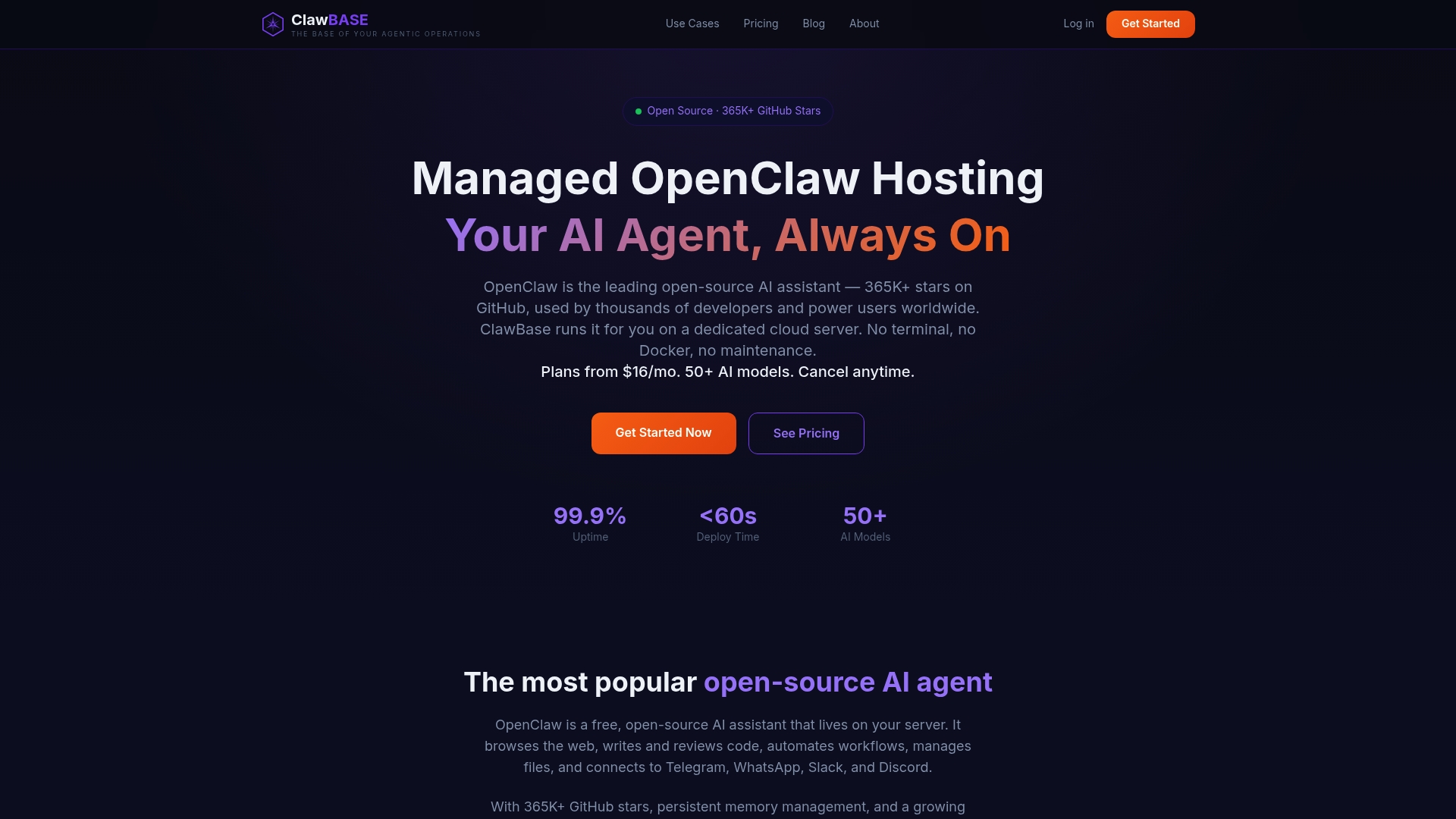
Once your agent is live, the ClawBase tutorial shows how to set it up and get the most from it. Teams weighing the two approaches can read our comparison of managed and self-hosted OpenClaw for teams without DevOps.
FAQ
How often should I maintain OpenClaw?
Back up before every update, reset or move, and daily for small installs, as the official Backups guide suggests. Choose an update schedule (hourly, daily, weekly or custom) and run the health commands after each update. On a managed ClawBase server, updates and daily encrypted backups are automated.
What should I check after an update?
Run openclaw --version, openclaw health, openclaw gateway status --deep --json and openclaw doctor --lint --json, the checks listed in the Updating guide. Then send one test message through your main chat platform to confirm the agent responds end to end.
Is it enough to copy the OpenClaw folder as a backup?
No. The default install keeps several SQLite databases, and the rollback guide warns that copying a live database file alone can miss data in its write-ahead log. Use a verified archive that contains the configuration, databases, workspaces and credentials from one generation.
What is the right way to monitor OpenClaw from outside?
Use GET /health, which returns live status without creating a session or calling a model, per the Health checks guide. Avoid chat endpoints for monitoring because they can create sessions and consume resources.
Sources
- OpenClaw Docs: Updating
- OpenClaw Docs: Rollback and recovery
- OpenClaw Docs: Automatic updates
- OpenClaw Docs: Backups
- OpenClaw Docs: Secrets, storage, and logs
- OpenClaw Docs: Health checks
- OpenClaw Docs: Gateway runbook